


Ask about this, and Explain
A pinned dashboard answers questions about what it shows, and explains how each panel is computed. Both use the model, and both keep what they wrote, so the next person reads it for free.
Analysts and above ask and have panels explained. Viewers read every question, answer and explanation.
Ask about this
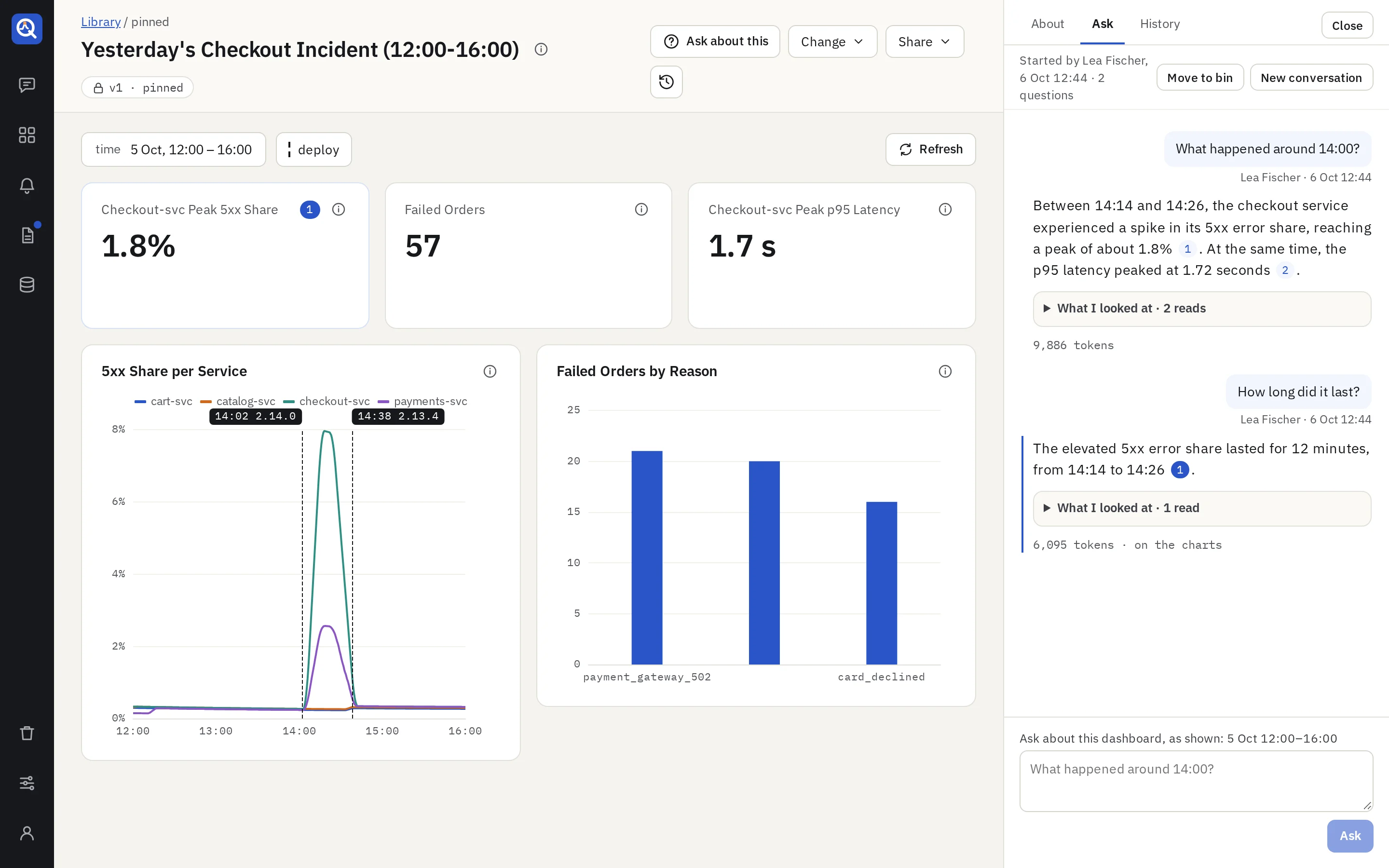
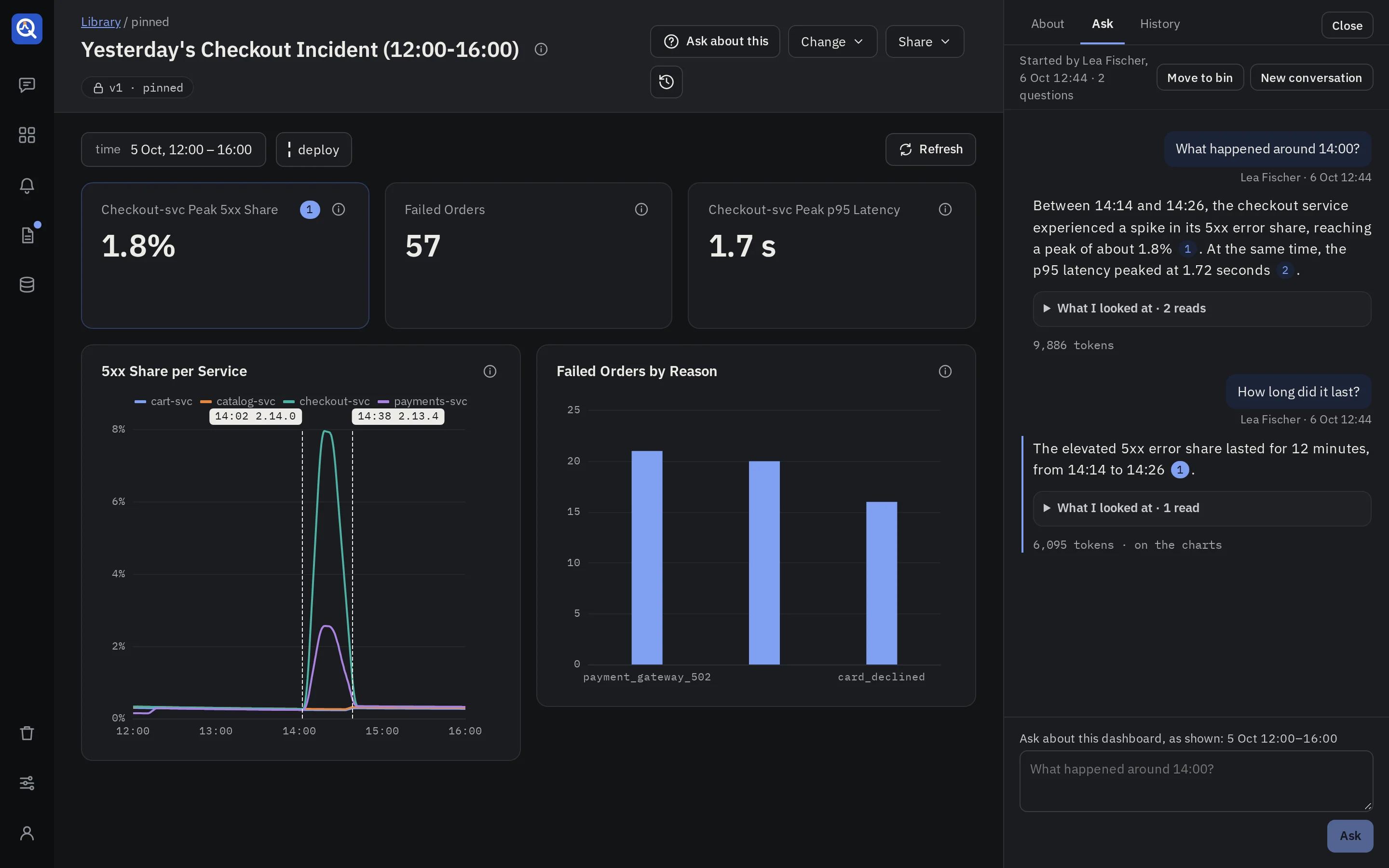
On a pinned dashboard, Ask about this opens a side panel with three tabs: About, Ask and History.
Asking
Type a question, such as “What happened around 14:00?”. The box’s label says what the question is about: the time range you look at, in absolute times, and the variable values, as shown.
- The answer streams in. Every number in it carries a citation, such as [1].
- Each cited panel gets the citation’s number in its header, and the cited time window is shaded on its chart.
- The citation numbers of the other answers are grey. Click an answer to mark the dashboard with its citations instead.
- What I looked at lists each read the model made: the panel or its own query, the source, and a short summary of what it saw.
- Follow-up questions continue the same conversation: “How long did it last?”. When you change the time range or a variable in between, a line says what the next question is about.
- New conversation starts over.
The model answers from the evidence it read, and says what it could not see. quanthea checks every answer before you see it: each citation must point at a read that happened or a panel of the dashboard, within the range you asked about. An answer that fails the check is repaired once, or the question fails cleanly; you never get an unchecked answer.
What the model may read
Answers read data only from sources at the Aggregates or Full access level. At a lower level, a note says the answer can only explain, lists the sources with their levels, and says an admin can raise one in Connectors. See Data sources.
The model reads through the same guardrails as the dashboard: your variable values are bound, never pasted into a query, and nothing it runs writes.
Already answered
While you type, the panel looks up earlier questions that share your words, and shows up to three above the box (“Asked on 26 Sep by Ana: …”). Opening one shows its conversation and highlights the answer. No model runs for that.
History
History lists the dashboard’s conversations, grouped by day: the first question, who started it, how many questions it holds and when the latest was asked. Its search finds the conversations whose questions and answers hold every word. Analysts and above continue any of them.
Whoever started a conversation, and admins, may move it to the bin.
Ask about a report’s run
A report’s run has the same panel. The model reads the results the run froze, and can read the source again on the run’s period for detail. Its answers may end with Worth watching: up to three suggested alerts or dashboards, each one click from a new thread with its request filled in.
Explain a panel
On a pinned version, a panel’s info bubble opens on its explanation: what the panel measures, how its query computes it, and why that choice.
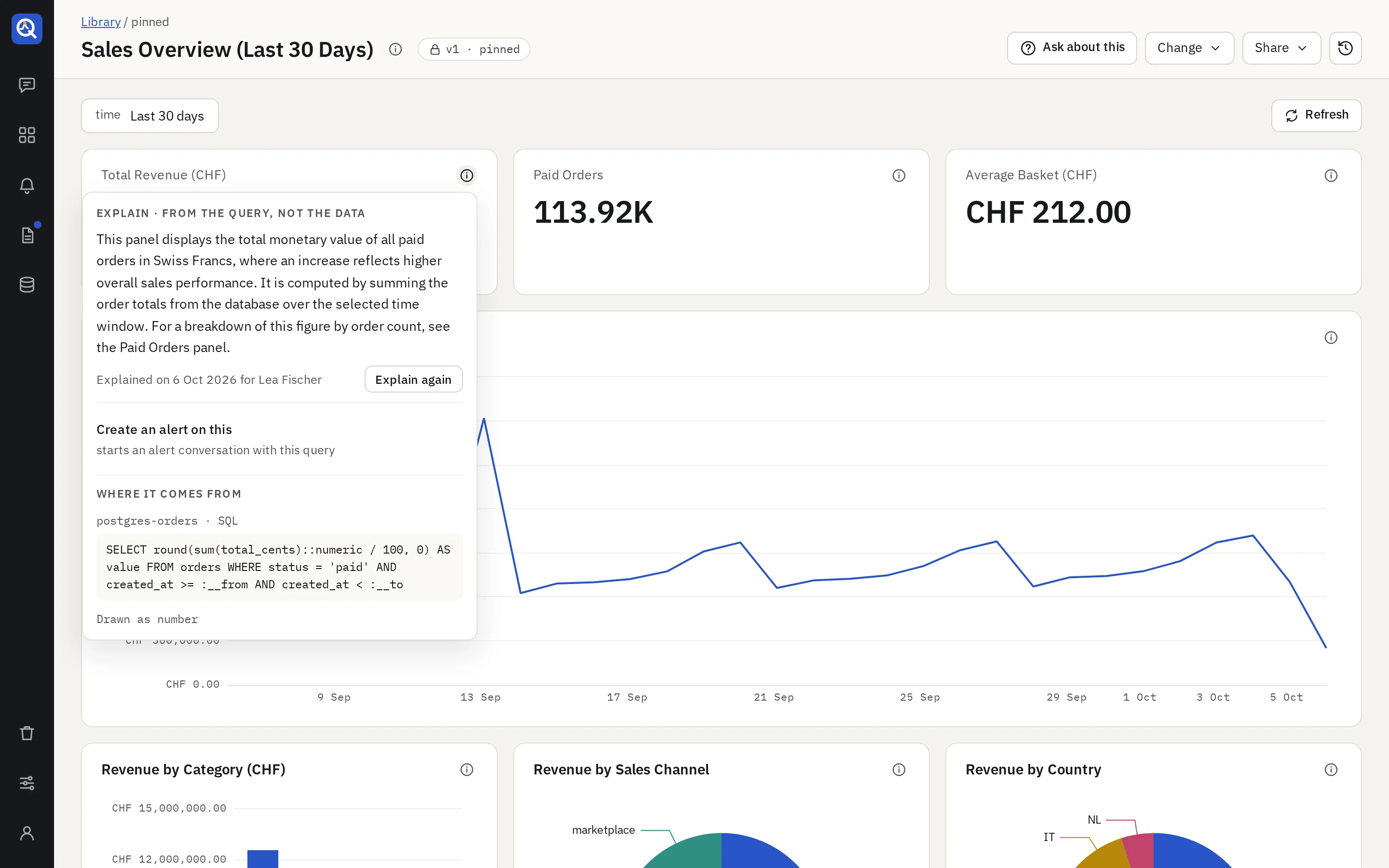
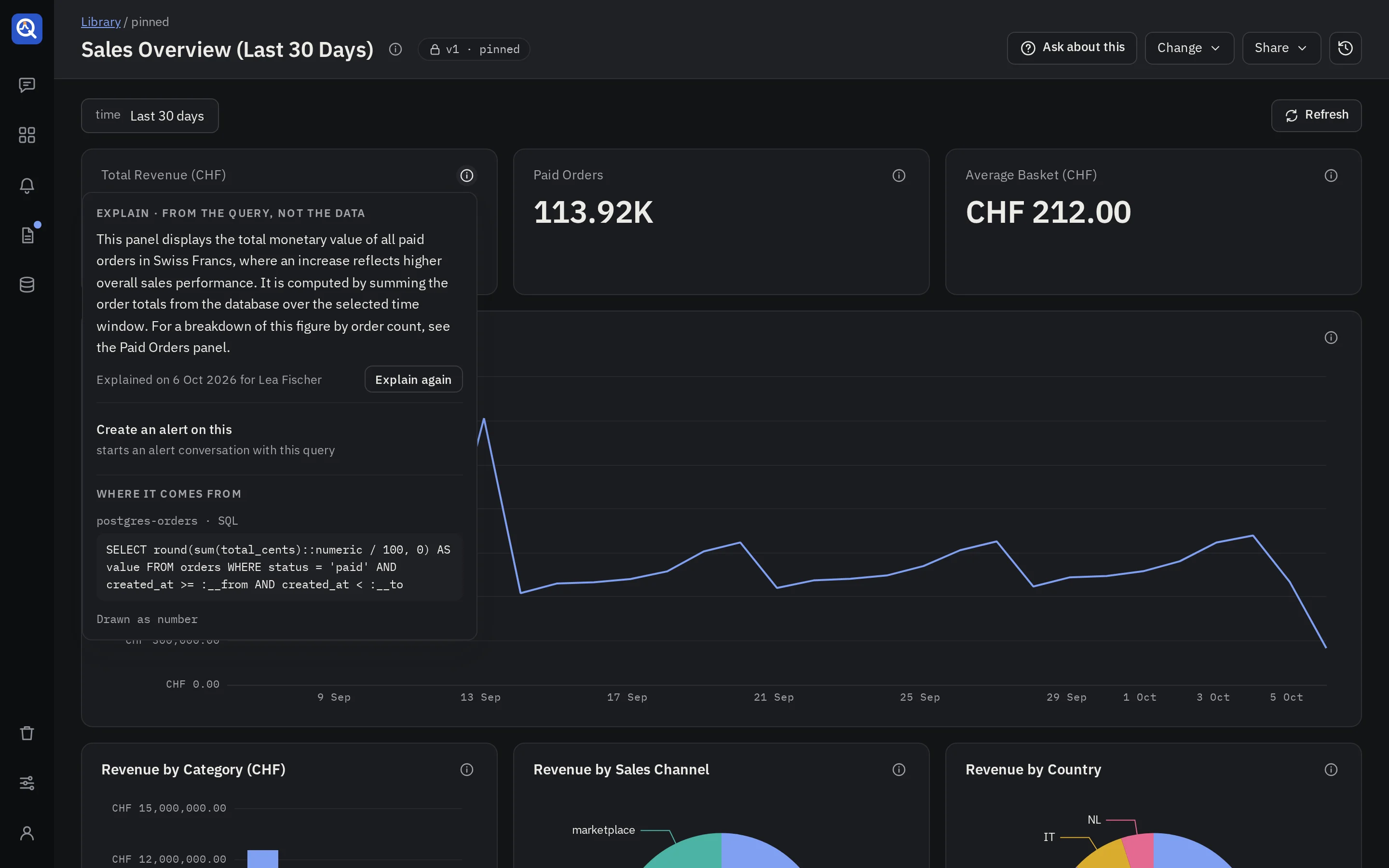
- Explain asks for one; it streams in and is kept for everyone. Explain again writes a new one in place of the latest.
- An explanation is written from the panel’s query and the source’s schema only, never from the data, so every role may read it, whatever the source’s access level.
- It says when it was written and for whom, since a source’s descriptions may change after.
- Viewers read an explanation once someone asked for it. Before that, the bubble says an analyst can ask for it.
Below the explanation, the bubble shows the source, the query and the chart recipe, so anyone can trace a number to where it comes from.
What it costs
Questions and explanations run on the answer model an admin picks in Settings → Model, and their tokens count in Settings → Usage under their own features. A thread’s limits apply: the tool calls per turn and the token budget. See Models and usage.