


Models and usage
quanthea brings no model of its own. An admin gives it one or more providers in Settings → Model, and Settings → Usage shows what they spent. Pinned dashboards, snapshots, alerts and report runs never call a model.
Both screens are for admins.
Providers
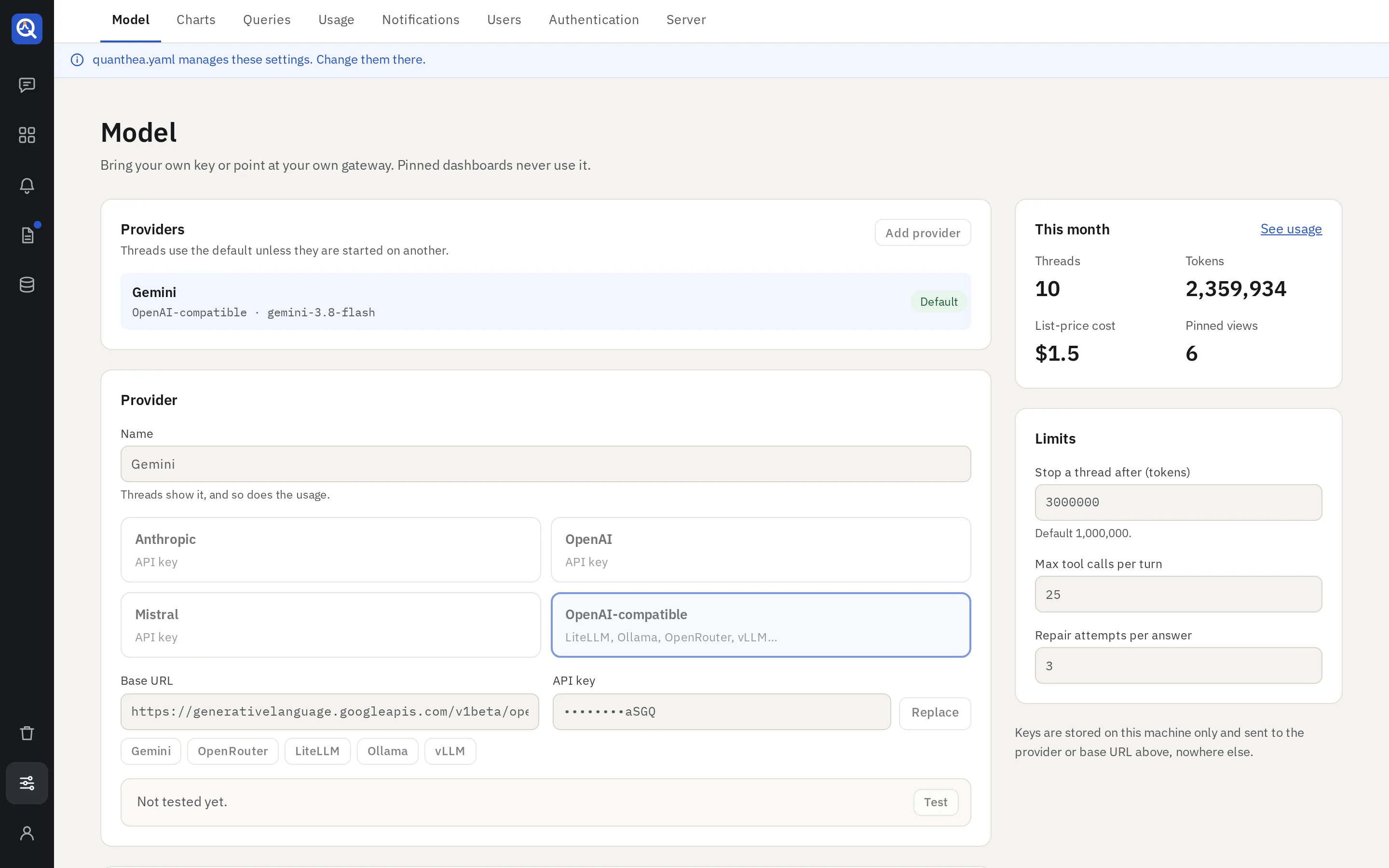
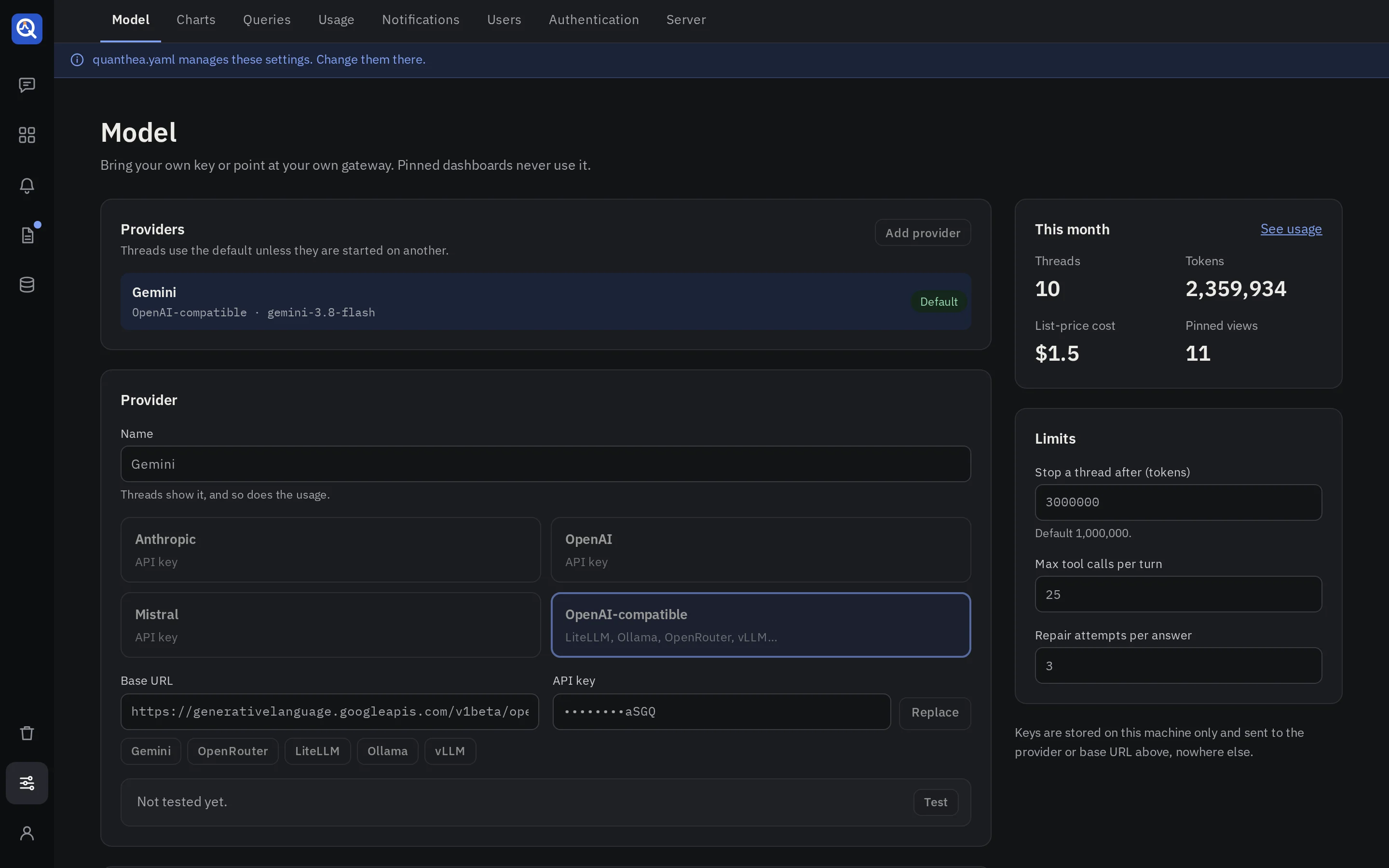
Add a provider and pick its vendor:
- Anthropic, OpenAI or Mistral: their own APIs.
- OpenAI-compatible: any gateway that speaks the OpenAI API, such as LiteLLM, Ollama, OpenRouter, vLLM, or Gemini’s OpenAI endpoint. Give its base URL.
Paste the API key. quanthea seals it with its secret key and only ever shows it masked. Give each provider a name people recognise (“Mistral free”, “Claude for builds”): threads and usage show it.
With several providers, one is the default. Editors pick another when they start a thread, and a thread keeps its provider. Editors see the providers’ names and models, never their keys.
The model for each job
Each job can run on its own model. An empty one uses the build model.
| Job | When it runs |
|---|---|
| Talk the question through and plan | The conversation, questions and plans |
| Build and edit dashboards | Writing panels, alerts and reports |
| Repair a failed query | The steps after a write failed, within a run |
| Titles, tags and descriptions | Tagging a dashboard when it is pinned |
| Answer questions about a dashboard | Ask about this, and explaining panels |
Building needs a strong tool-calling model. Talking, planning and tagging can use a cheaper one. The model fields list the vendor’s current models, then whatever the provider’s own API offers; you can also type a model id.
Limits
| Setting | Default | What it does |
|---|---|---|
| Stop a thread after (tokens) | 1,000,000 | A thread past this budget refuses new runs, and says so. |
| Max tool calls per turn | 25 | A run stops after this many tool calls and explains where it is. |
| Repair attempts per answer | 3 | Failed writes the agent may repair before it stops and says why. |
A stopped build keeps its thread; a reply or Try again starts a new run with fresh attempts. Questions about a dashboard follow the same tool call and token limits.
When a provider answers that its quota is spent for the day, quanthea does not retry: it tells the person to try later or to pick another model. A per-minute limit is retried twice.
Behaviour
- Ask for plan approval before building: on by default. Small edits to an existing panel skip the plan.
- Test-run every query before showing a panel: failed queries go back to the model with the error, so a broken panel is never saved.
- Keep the model’s reasoning short: faster and cheaper. Turn it off if a gateway rejects the reasoning effort.
- Show the queries in a plan: a plan for an existing dashboard also shows each panel’s new query, and how it changes. Plans take longer and cost more.
Usage
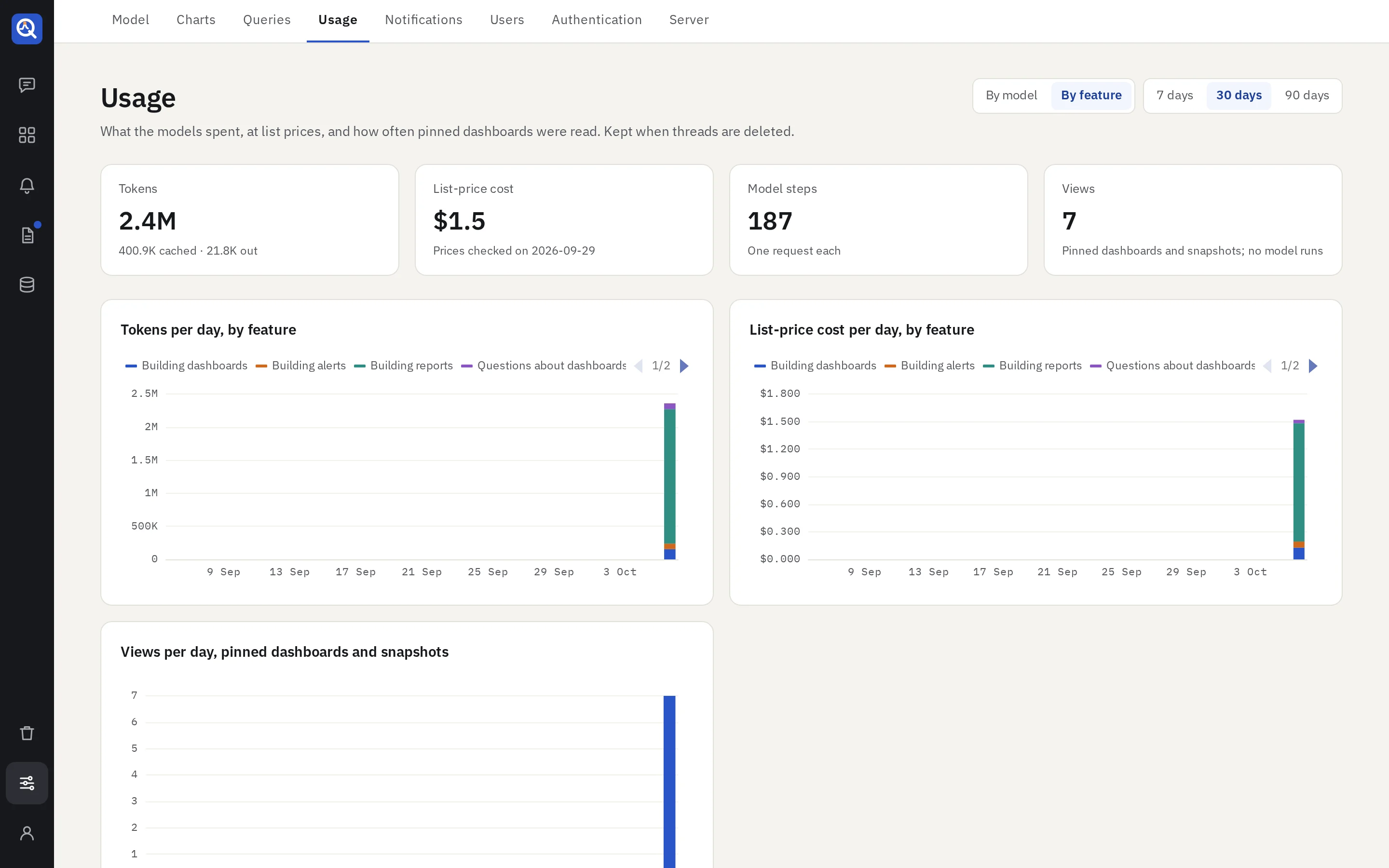
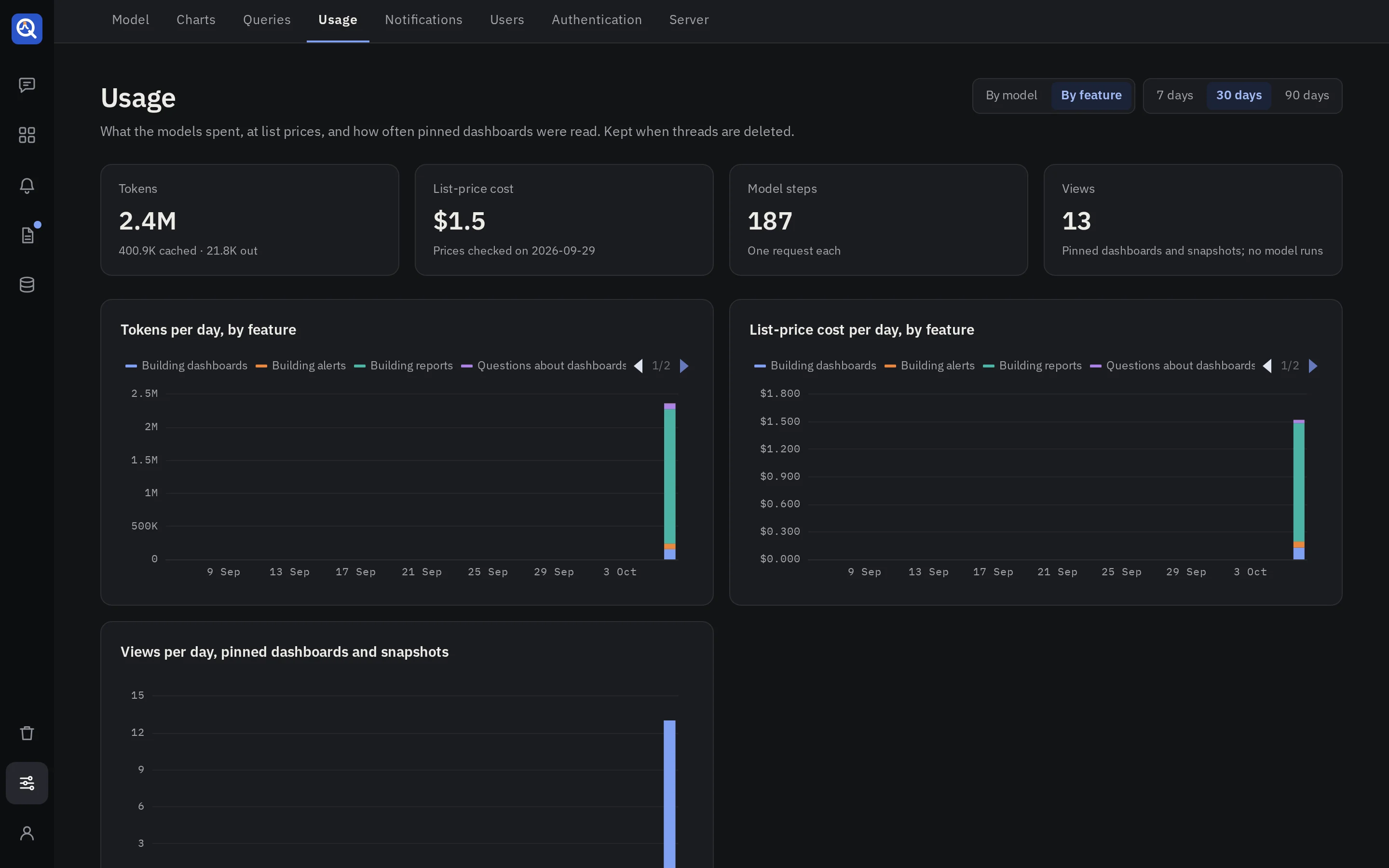
Settings → Usage shows what the models spent over the last 7, 30 or 90 days, at list prices, and how often pinned dashboards and snapshots were opened.
- By feature: building dashboards (tagging at pin time included), alerts, reports, questions about dashboards, and panel explanations.
- By model: each provider and model, with fresh input, cached input, output and cost.
- By person: the model steps of each person’s threads, questions and explanations.
- Views: pinned dashboards and snapshots opened per day. No model runs for those.
Usage is kept when threads are deleted and purged, so the history stays whole. Each thread also shows its own tokens and cost: under each answer, and in total in its header.
A model without a known list price is named instead of priced.