


Snapshots
A snapshot freezes a dashboard as you see it, data included, at a link. Share it in an incident channel or a postmortem: whoever opens it sees exactly what you saw, even after the data moves on. Opening a snapshot runs no query and calls no model.
Editors take and revoke snapshots. Every signed-in role opens one by its link.
Take one
- Set the dashboard as you want it: the time range, the variables, the marker sets shown.
- Open Share → Take a snapshot… and choose how long it lives: a day, 7 days, 30 days, or until revoked.
- Copy the link.
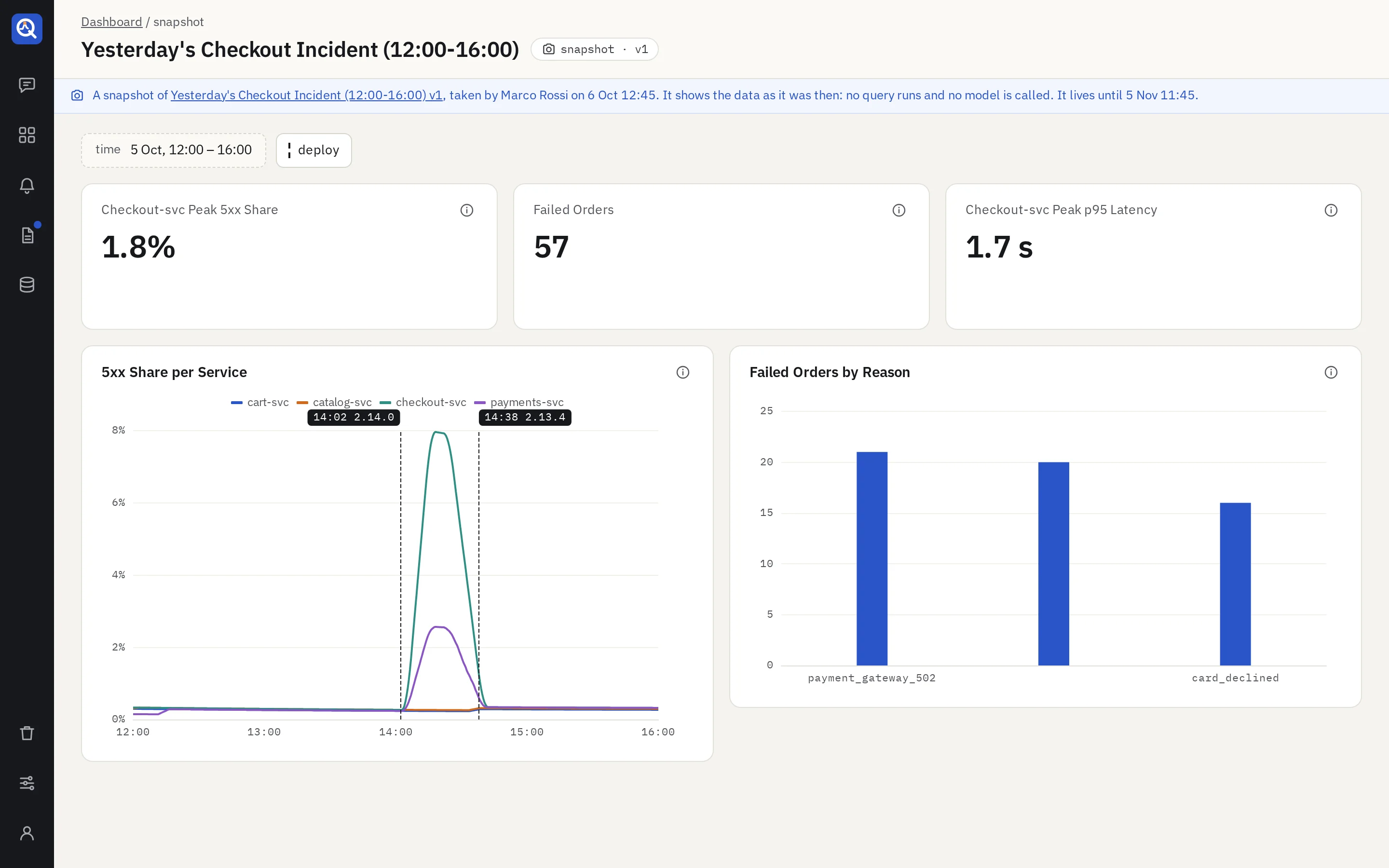
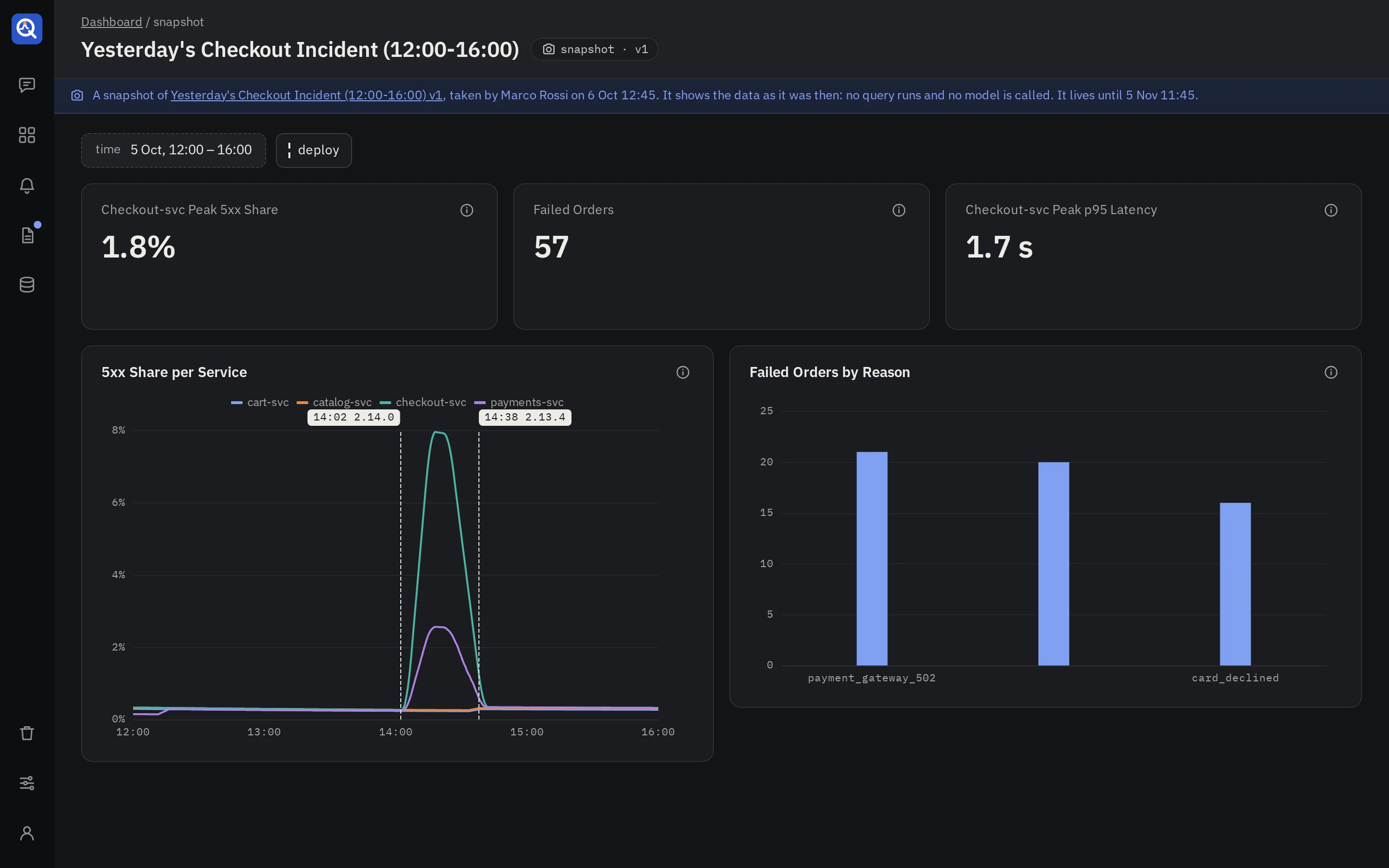
quanthea turns a relative range such as “last 6 hours” into absolute times, runs every panel once on the server, and stores the results with the version. A panel that failed is frozen as it failed.
Open one
The snapshot page draws the panels from the stored results. The time range and the variables are fixed chips. The marker toggles still show or hide sets, on the page only. A banner names the dashboard and version, with a link, who took it and when, and until when it lives.
Find and revoke
- Share → Snapshots of this dashboard lists its live snapshots, each with Revoke.
- The library’s Snapshots tab lists every live snapshot you may open, with a search.
- Revoking stops the link at once. An expired snapshot stops at the time it expires, and is then deleted within the hour.
Good to know
- The link is random and can’t be guessed, but it is not public: people still sign in.
- A snapshot of a draft opens only for those who may see the draft.
- Who took a snapshot is recorded, for accountability. Any editor may revoke any snapshot.
- A snapshot holds at most 10 MiB of results.
- Snapshots don’t show alert states: those are live, and a snapshot is not.