


The library
The library holds every pinned dashboard, and the live snapshots. Every role opens it; viewers and analysts land there when they sign in.
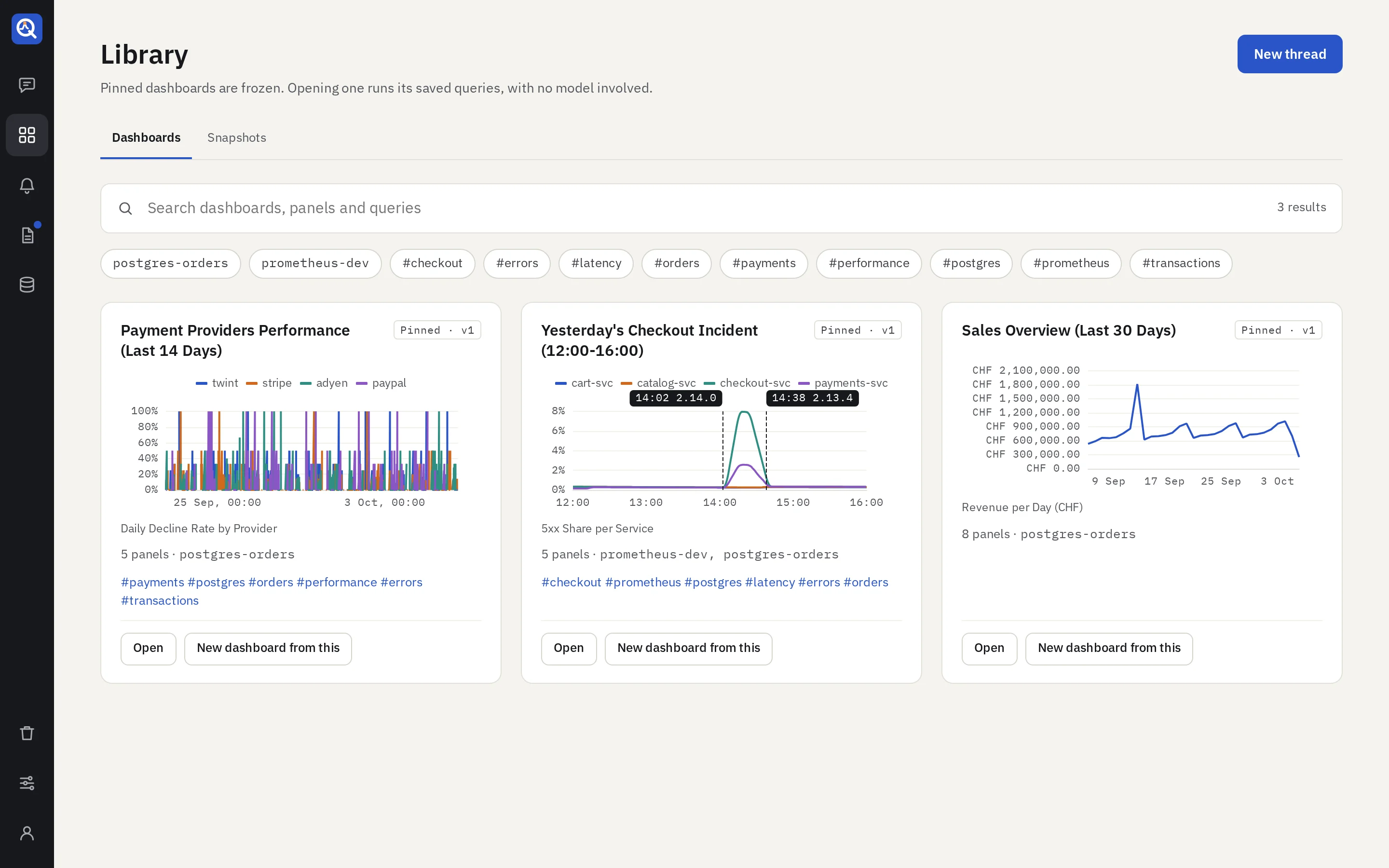
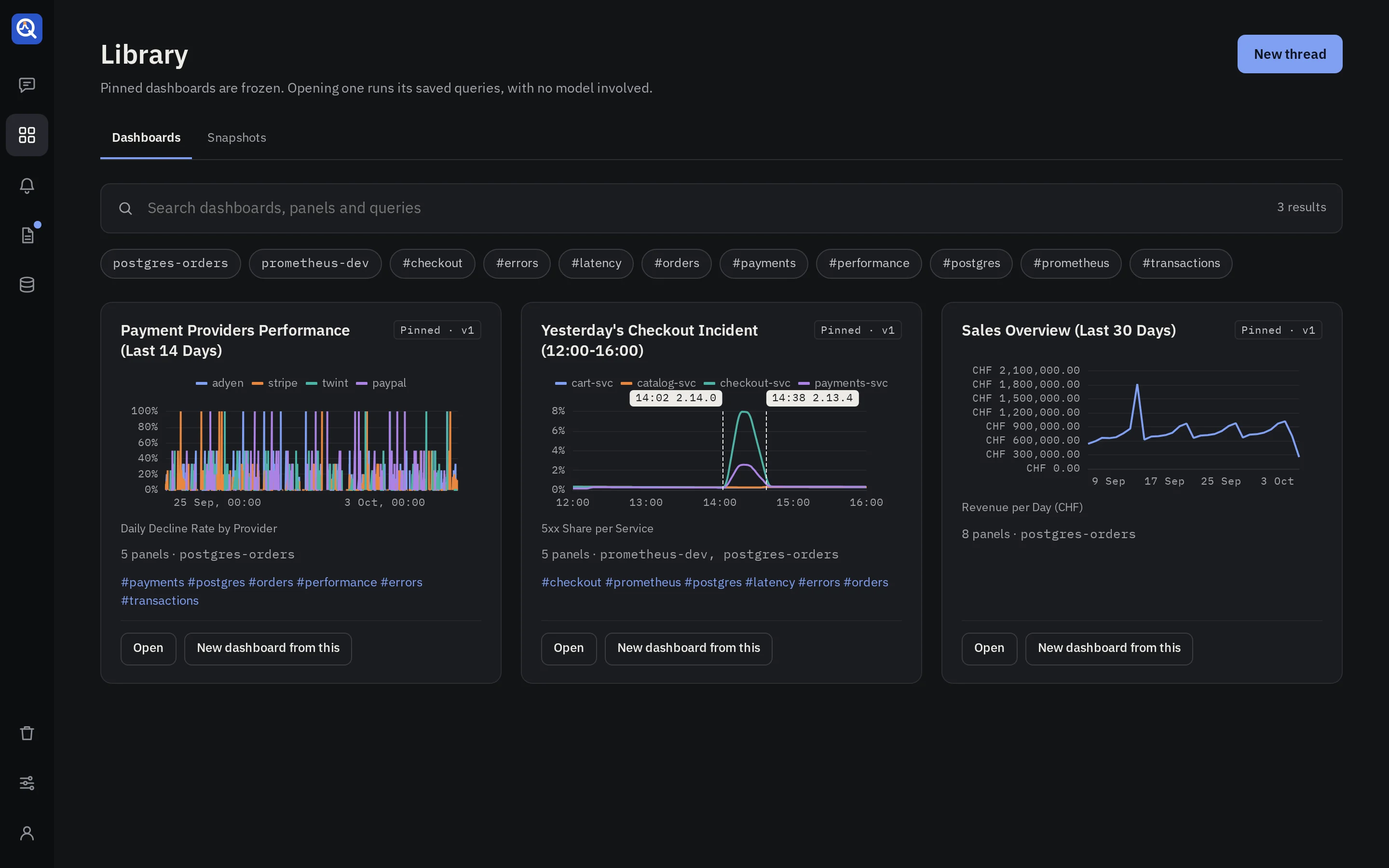
Search
The search runs as you type, over the dashboards and each of their panels: titles, descriptions,
tags, and the panels’ queries. Every word must match, as the start of a word, so check lat
finds “Checkout latency”.
- Each card draws one panel live: the best match, else the first chart. No model is involved.
- Under each card, the panels that match are listed. Opening one scrolls the dashboard to it.
- The chips under the box filter by tag and by source. A dashboard must have every chip you pick.
- Not finding it? Editors get a link that starts a new thread with the search as its question.
Tags and the description come from the model when a dashboard is pinned. A dashboard can be found by a word in one of its queries too, such as a table or a metric name.
Snapshots
The Snapshots tab lists the live snapshots you may open, the newest first.
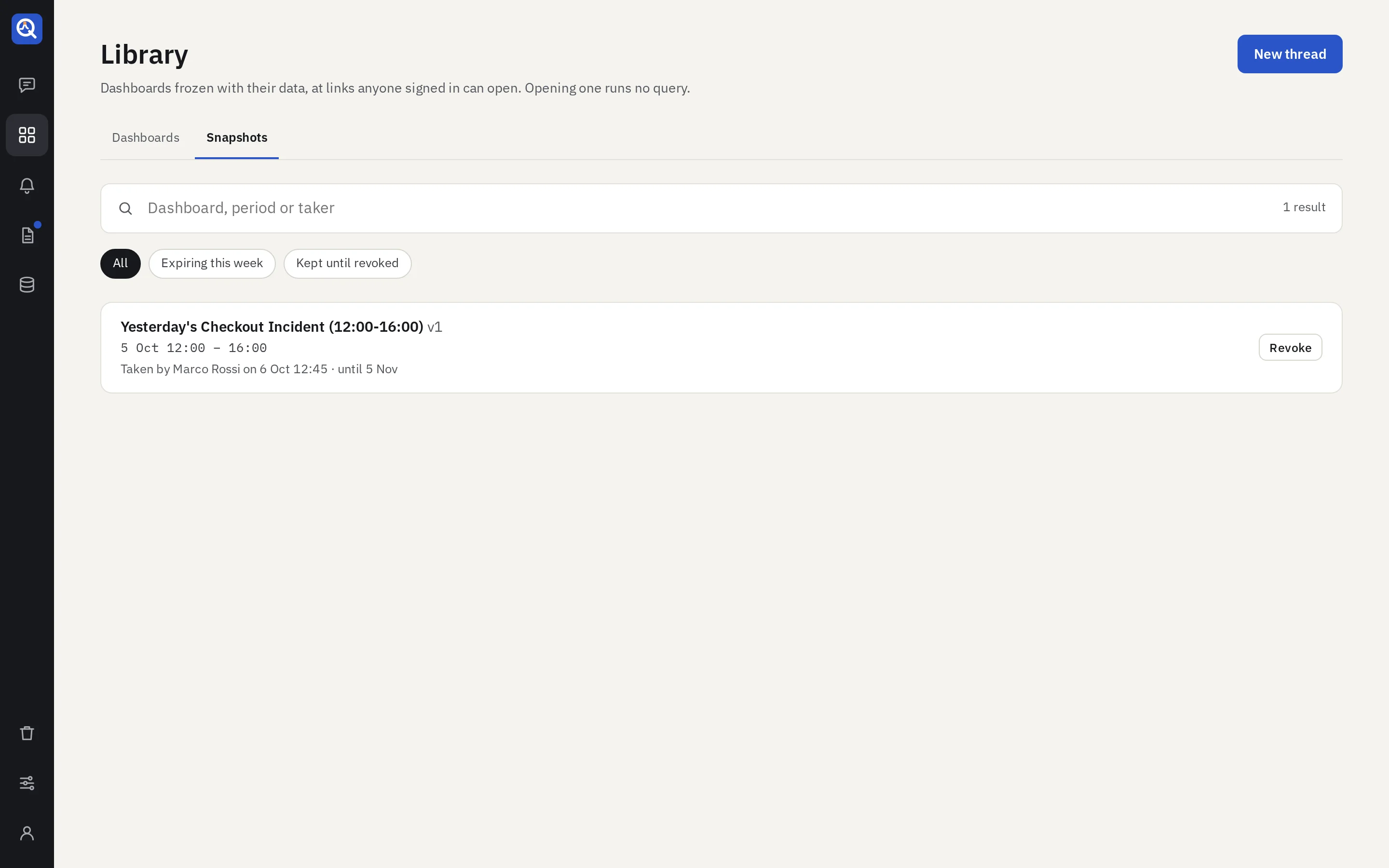
- The search matches the dashboard’s title, the version (
v3), who took it, and the period. - The filter shows all of them, the ones that expire within seven days, or the ones kept until revoked.
- Editors and admins get Revoke on each row. Revoking stops the link at once.
A snapshot of a draft shows only to those who may see the draft. Expired and revoked snapshots never show.