


Queries and charts
The agent rarely writes a query. It names the data it wants, and quanthea writes and tests the query from a query builder or a saved query. That costs fewer tokens and breaks fewer panels. Admins choose the builders, write saved queries, and choose the charts the agent may draw.
Settings → Queries
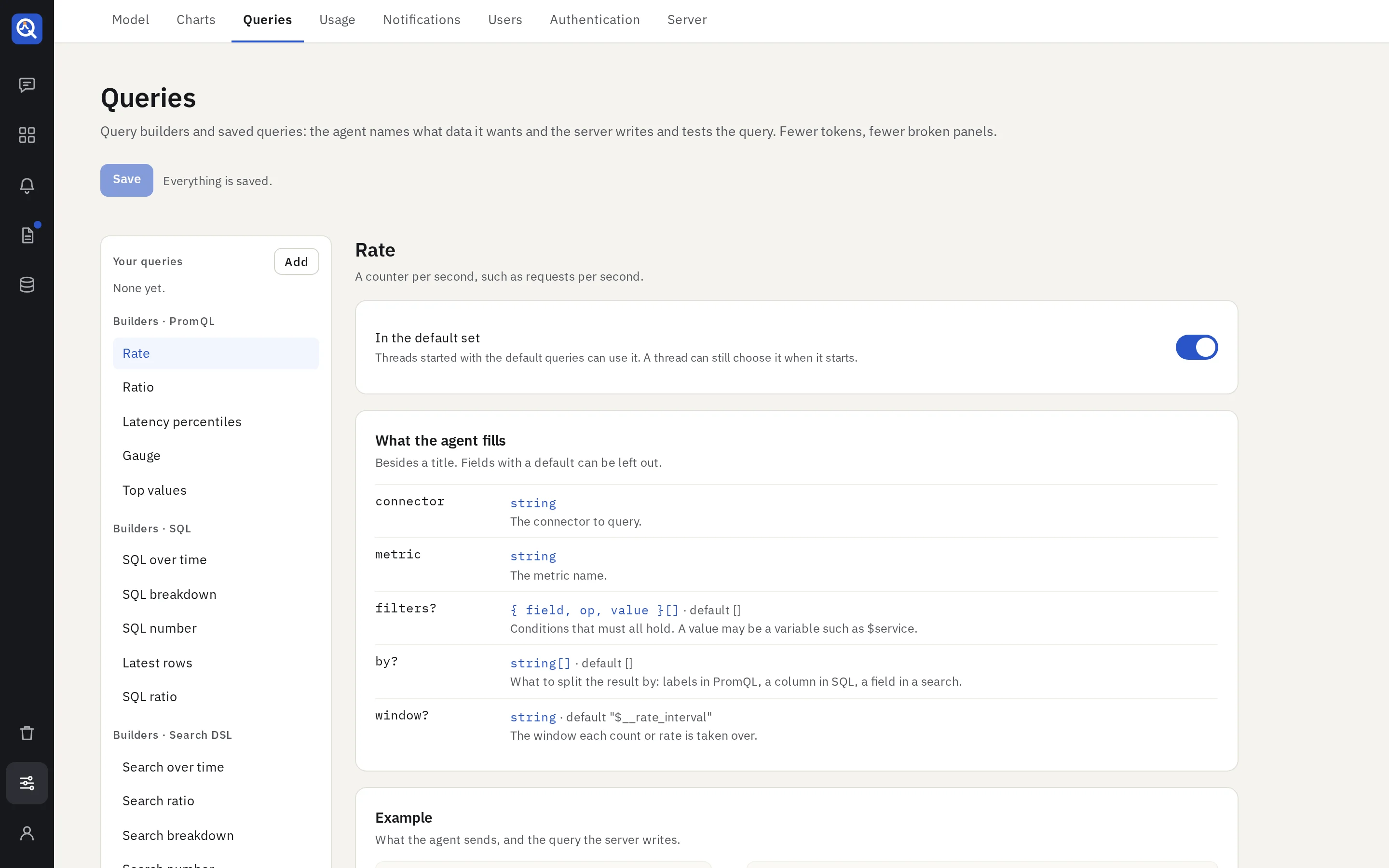
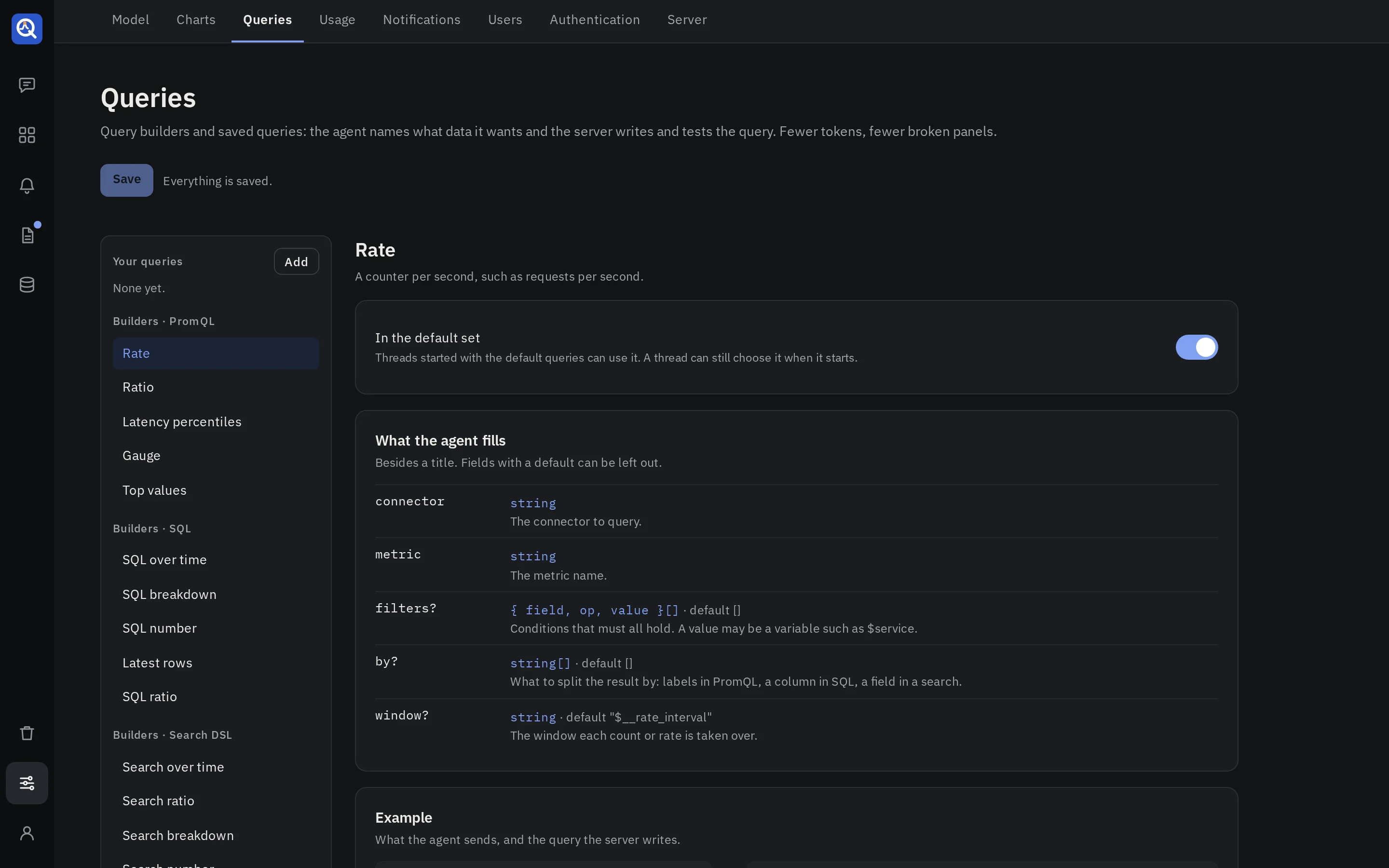
Query builders
quanthea ships builders for each query language: rates, ratios (such as 5xx over all requests), latency percentiles and top N for PromQL; series over time, breakdowns, single numbers and rows for SQL; the same for search, LogQL and MongoDB. Each writes a query for its source’s dialect, with names checked and quoted and variables bound.
A filter compares a field with a value (=, !=), or matches it against a regular expression
(=~, !~). The search builders, for Elasticsearch and OpenSearch, take more:
- A bound:
>,>=,<,<=, on a number or a date. - A list:
in, with the values written out or a variable that holds several. - A field that has a value:
exists. - A wildcard:
like, with*for any text and?for one character. - Alternatives: filters that carry the same name in
any, of which one must hold.
A wildcard pattern starts with text, such as urn:srf:*, and holds four wildcards at most. A
pattern that starts with a wildcard reads every value of the field, so the builders refuse it.
To search by the end or the middle of a value, ask for a text variable: the pattern is then
yours to type. A variable is the whole pattern or the whole bound, never a part of it.
A variable that holds several values goes with =, != or in. In a pattern or a bound it is
refused when the dashboard is saved, with a message that says so.
Each builder shows its fields, an example, the query it becomes, and what it returns. Try it runs the example on a connector and time range you choose, and draws it. Nothing is saved, and no model runs.
Switch a builder off, and the agent stops using it.
Saved queries
A saved query is your own query, in any language, with placeholders such as {{service}}. Each
placeholder has a type: a metric, a label, a table, a column, a value or a duration. Give the query
an id, one sentence that says what it returns, and the shape of its result. The agent asks for it by
id with a value for each placeholder, and quanthea checks and quotes each value before it runs.
Use them for the numbers your team defines one way: “active customers”, “revenue net of refunds”. Run a saved query on a connector before you keep it.
Which queries a thread uses
When an editor starts a thread, they choose:
- Default queries: the builders switched on, and every saved query.
- Choose queries…: some of them.
- Free style: raw queries only.
Settings → Charts
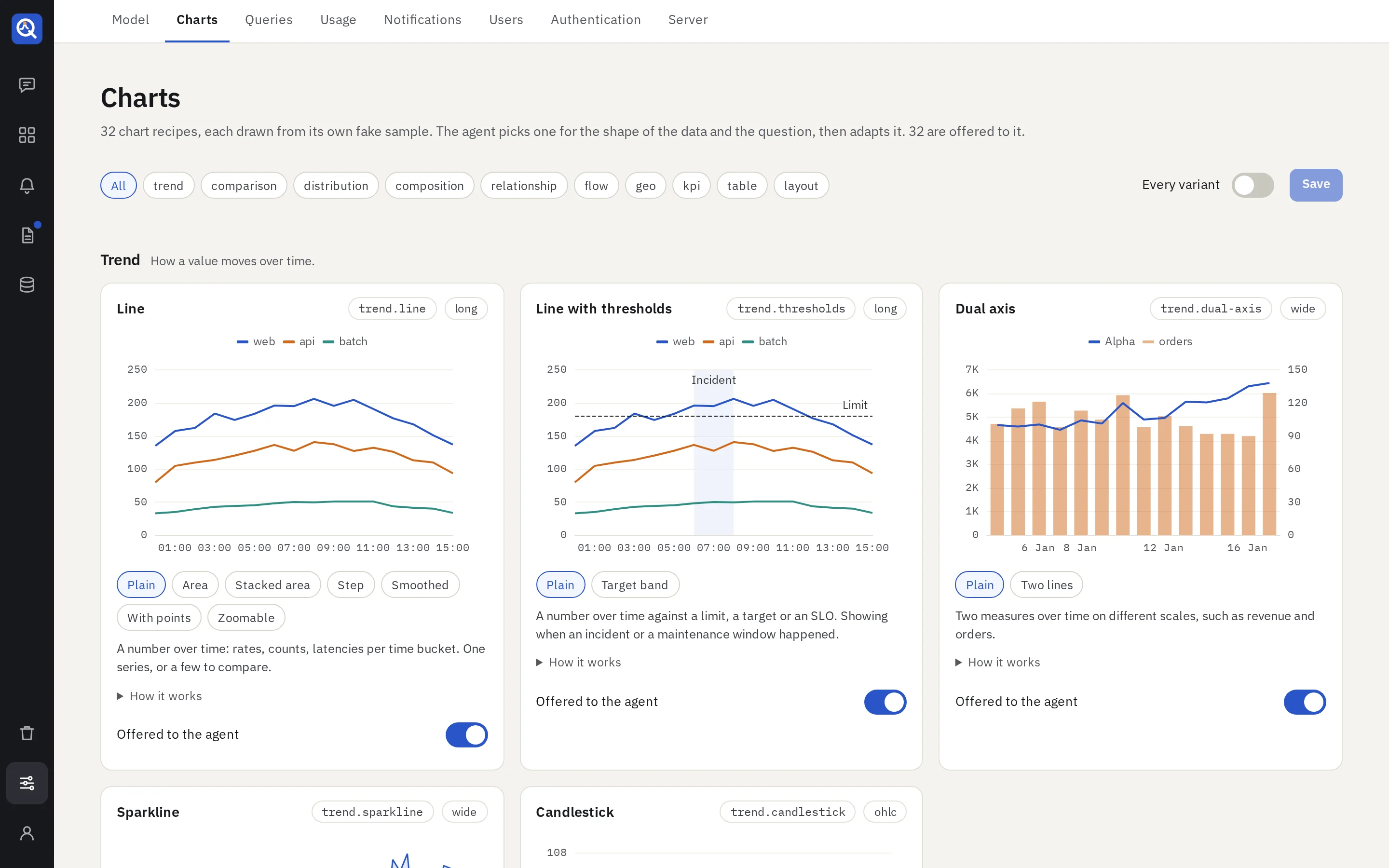
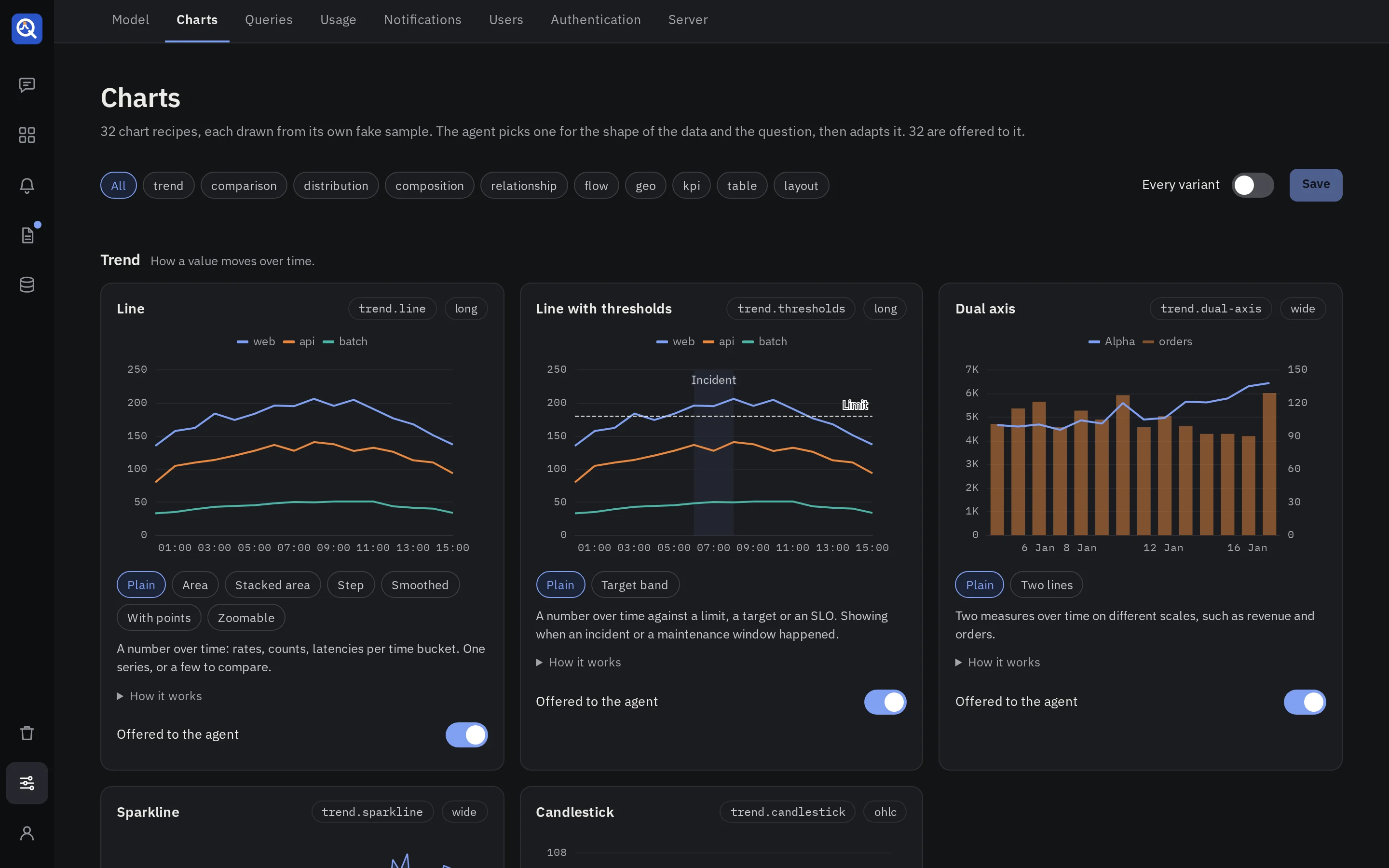
The agent draws with chart recipes: about thirty of them, for trends, comparisons, distributions, composition, relationships, flows, maps, numbers, tables and small multiples. The page draws each recipe and its variants from a sample. Switch one off, and the agent no longer offers it; at least one stays on.
Charts never run code from the model: a recipe is a fixed template, and values are formatted with named formatters only.
In the configuration file
queries switches builders off and declares saved queries; charts switches recipes off. See
the configuration file.